Adobe Express Add-on Platform Updates: Winter 2025 Digest
This was an exciting quarter for add-on developers. Code Playground had a big overhaul, new experimental document APIs introduced new text and image workflows, and we polished a few rough edges to reduce friction.
In this article, we’ll round up the highlights from this quarter that can help you prototype faster and build smarter.
Code Playground gets even better
The Adobe Express Code Playground received a major upgrade, making it even better for experimenting, prototyping, and shipping add-on ideas. You can now jump to Code Playground via direct link (https://www.adobe.com/go/addon-playground) or use the “Try in Playground” buttons in the how-to guide samples.
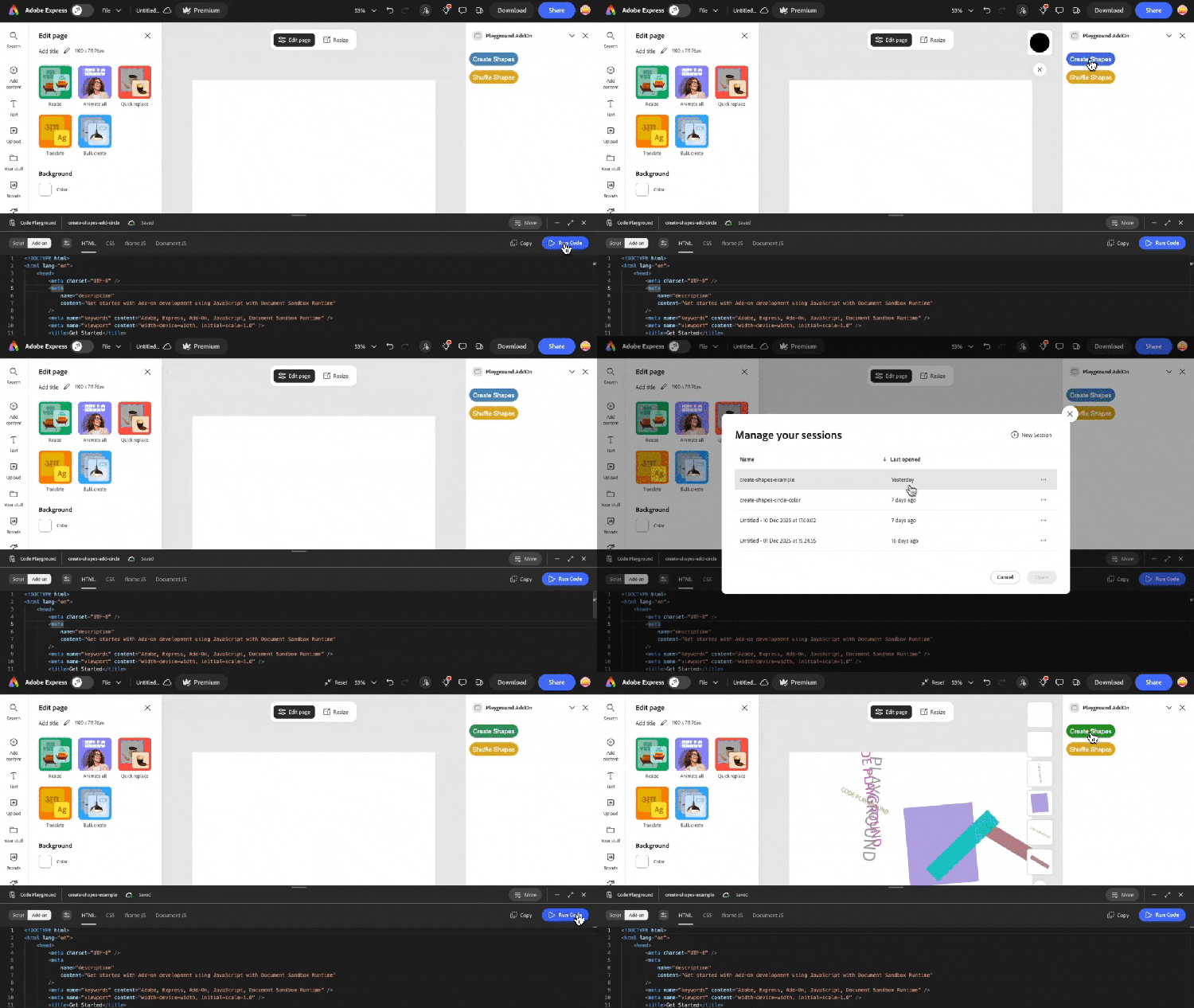
New development modes were introduced to streamline exploration and iteration. Script Mode is great for quick Document API experiments and logic testing. Add-on Mode lets you build the full add-on experience (including the UI) and interact with your add-on just like an end user.
Several useful quality-of-life improvements landed: persistent (cloud-backed) sessions, new keyboard shortcuts, and one-click downloads of your code for local development. For more details, see the Code Playground’s Workflow and Productivity guides.
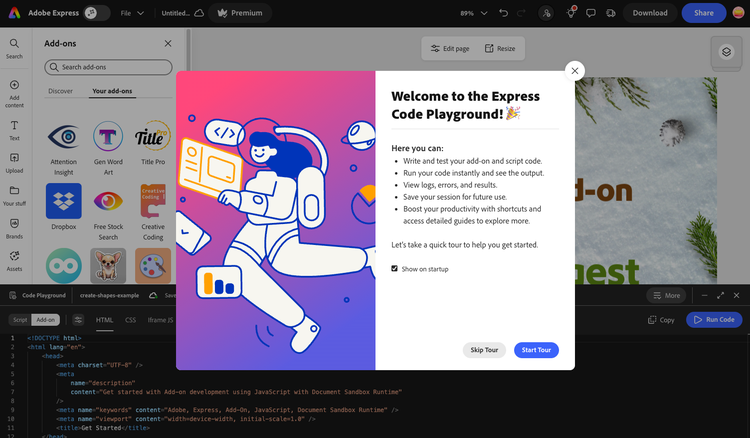
Tip: Take the new in-product tour to get oriented the next time you open the Code Playground.
New experimental APIs for text flow and image data
In Adobe Express, text flow allows text to flow smoothly across multiple frames on a single page. The new text classes (StandaloneTextContentModel and ThreadedTextContentModel) support precise positioning, transformations, and styling for managing complex, on-brand text layouts.
Examples:
- Sales enablement add-on: Generate multi-column one-pagers with product specs and benefits neatly organized around logos and screenshots.
- HR or recruiting add-on: Assemble polished, structured presentation page layouts from templates selected in the add-on UI, with sections flowing across columns while preserving brand typography.
Add-ons can now access raw raster image data via ImageRectangleNode.fetchBitmapImage() and BitmapImage.data(), enabling tasks requiring precise pixel accuracy, such as image analysis or optimization. These methods return original pixels and exclude effects, crops, or adjustments made in Adobe Express.
Examples:
- Brand compliance add-on: Verify logo fidelity, resolution, and background transparency before file export.
- Ecommerce add-on: Run image quality and compression checks to meet required specifications without leaving Adobe Express.
Wax on, wax off
Small but meaningful polish continues to reduce friction and help keep you unblocked. After Chrome’s Local Network Access changes (v142+ in early 2025), we added guidance in multiple places of the documentation so you won’t miss it: an alert in the Browser Debugging guide, an FAQ entry with troubleshooting steps, and a dedicated Known Issues and Limitations guide.
Some recent improvements helped make debugging clearer. Console messages from both the CLI and Code Playground now include prefixes, making it faster to filter the logs that matter to your add-on:
- Code Playground:
[Playground: Add-on], [Playground: Script] - CLI prefix:
[Add-on: <add-on-name>]
Thanks for being part of the Adobe Express add-on community
The last quarter was all about control and velocity, empowering add-on developers to prototype faster, learn about new features, and ship add-ons with confidence. We’re excited to see how you use the Code Playground improvements and experimental Document APIs to build smarter, more polished add-ons.
Here are some next steps you can take:
- Use the updated Code Playground to try out the experimental APIs for image data and text flow.
- Read through the new Code Playground documentation.
- Join the Office Hours for Adobe Express on February 11.
- Share feedback and ideas in our Discord, so we can improve the platform together.
Thanks again — keep building, and reach out if you hit a blocker, or want to demo what you’ve made!