Help Your Adobe Express Add-on Reach Enterprise Users with Granular Admin Approvals

Enterprise and education customers can now approve individual Adobe Express add-ons instead of choosing all or nothing. For developers, that means a trusted add-on has a clearer path into organizations that previously could not install add-ons at all.
Adobe administrators with access to the Adobe Admin Console can now choose exactly which add-ons are available and who can use them through newly introduced roles. If you see the term “Adobe admin“, we mean the person or team that manages access, licenses, and account settings for your company, school, or team. Learn more about how to find and contact your administrator.
This release replaces the previous all-or-nothing model for add-on access and gives admins fine-grained control at both the add-on and user level.
Why this matters for developers
While this is an admin-facing capability, it directly affects developers building Adobe Express add-ons. With granular role-based controls, enterprises can now safely enable only the add-ons they trust, creating a clearer path for adoption inside large organizations. This makes it easier for developers to:
- Work with enterprise customers who require strict governance
- Support contracted or in-house enterprise development scenarios
- Confidently point admins to official distribution options for Adobe Express add-ons
- If customers complain that they can’t use your add-on because their admin doesn’t allow them to, point them to this new role and educate the admin that only selected add-ons can get approved
To improve the likelihood that your add-on is added to the "allow-list" by admins, make the listing easy to evaluate: Explain exactly what it does, what data it collects or stores, and include your add-on’s privacy policy and help page.
Admins want to see:
- A clear, plain-English description of what the add-on does (no marketing fluff)
- Exactly what data is accessed, stored, transmitted, and where
- A linked privacy policy and real support/help page
- Publisher identity and contact info
- Any relevant compliance signals
- Permissions explained in simple, human terms
What's new
Previously, admins could control add-on access on an all-or-nothing basis (either all add-ons enabled or all disabled for all users in their company). With this release, admins now have fine-grained control across two dimensions:
- Individual add-on level: Select exactly which add-ons are enabled (for example, only Google Drive)
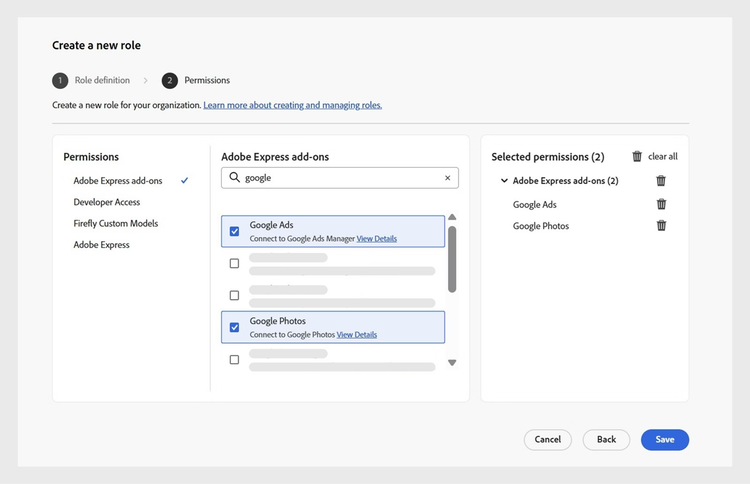
- Individual user or group level: Assign different add-on access to different users or groups
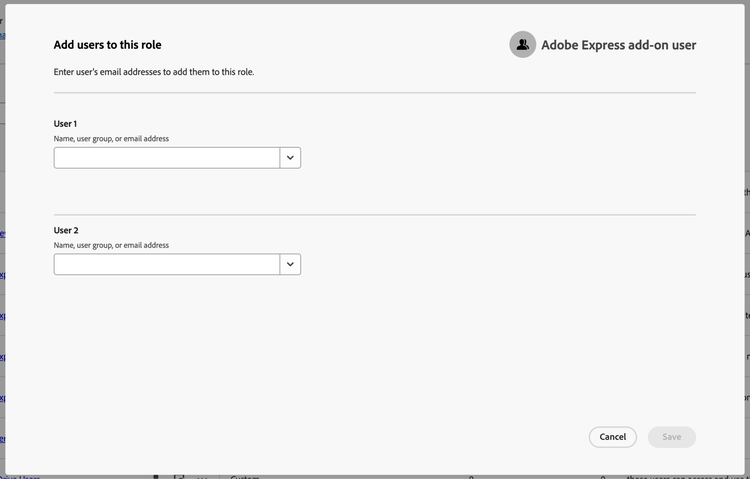
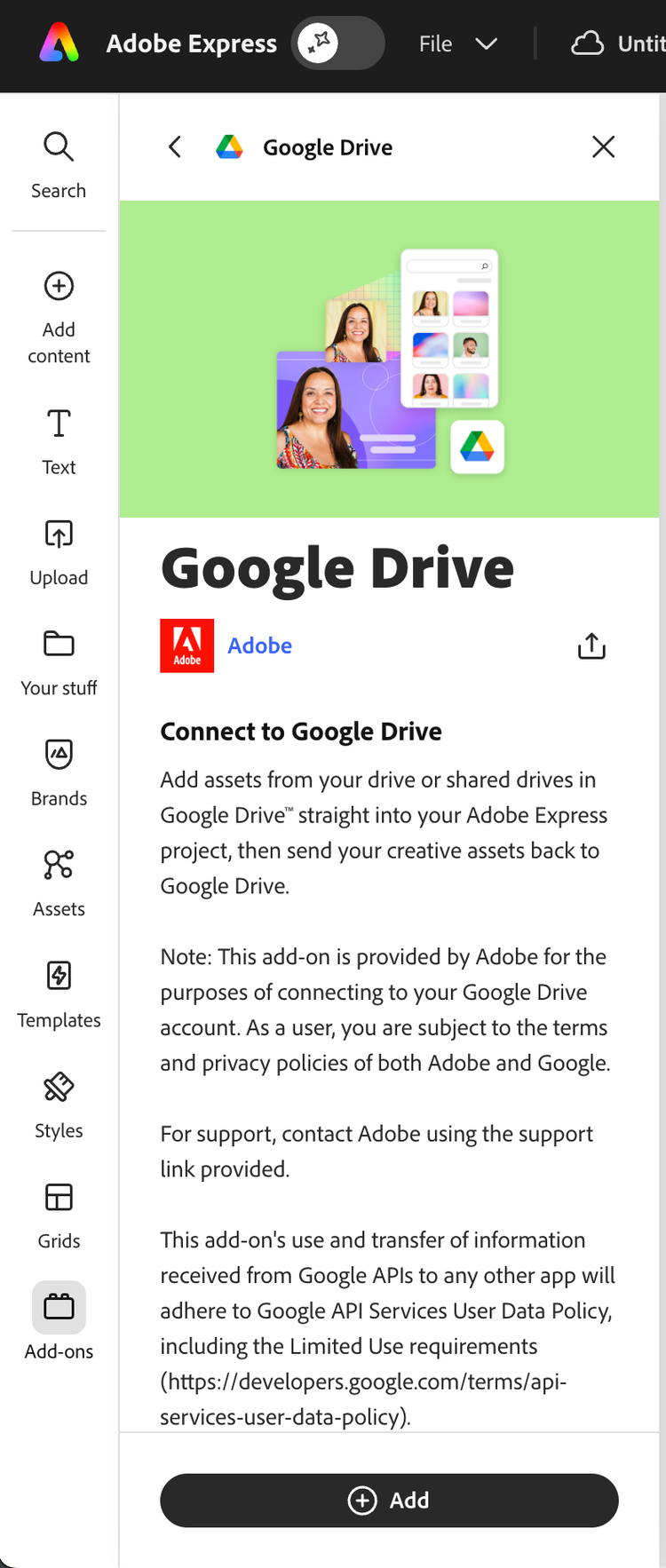
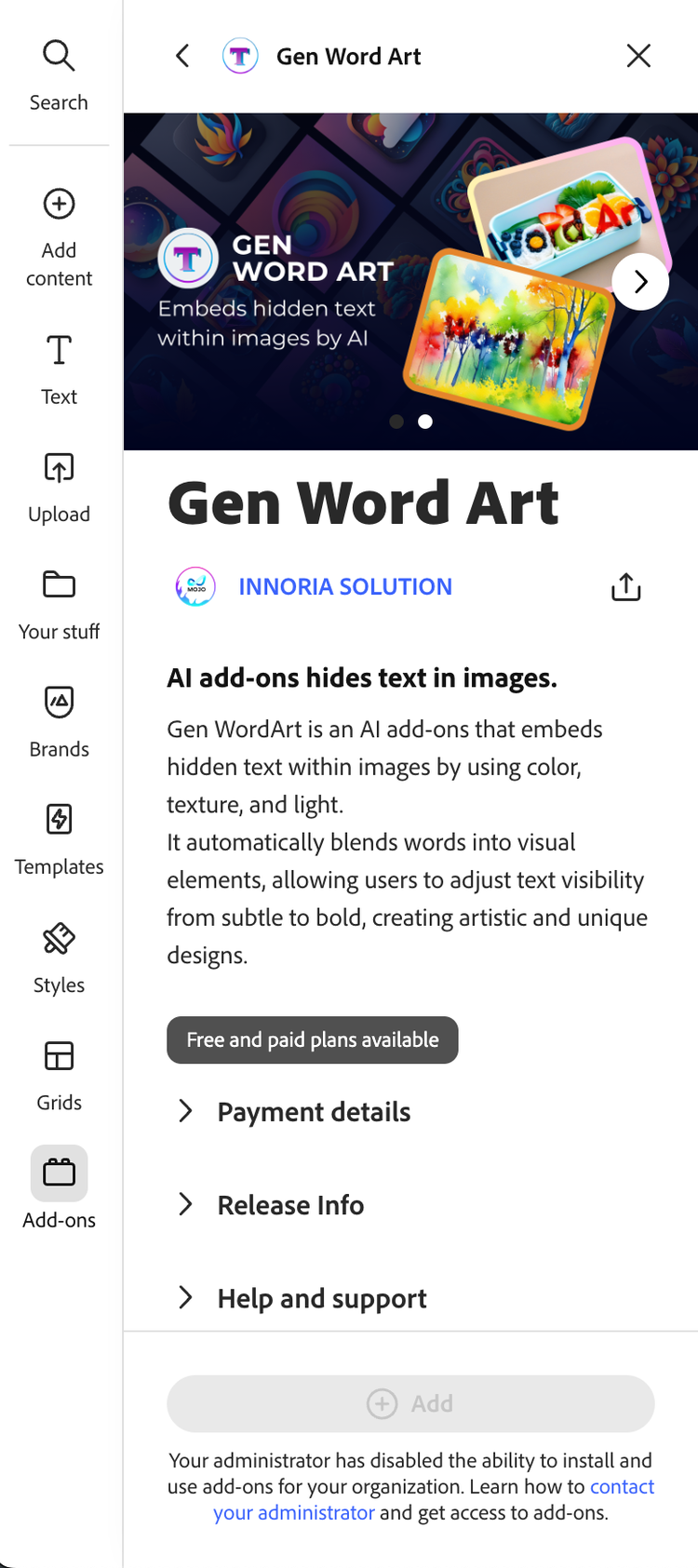
The enabled or disabled status of add-ons configured in the Admin Console will reflect in the end-user experience in Adobe Express accordingly.
- Enabled add-ons: Can be viewed, installed, and used by users who are granted access by the admin
- Disabled add-ons: Can still be viewed, but will not be installable or usable for users who are not given access by their admin
What’s not changing
- Existing org policies are automatically migrated with no disruption.
- The rules of the EU Digital Services Act (DSA) still apply: If you have not shared your trader information, your add-on will not be available to users in EU countries like Germany, France, or Spain, even though they may have admin approval.
Learn more
If you work with customers who have asked for finer-grained control over add-on access, you can point them to the Admin Console roles described above and the corresponding HelpX documentation.
This release represents a major unlock for enterprise adoption of Adobe Express add-ons, and we are excited to see how developers and customers take advantage of it.