Adobe MAX in Miami: What Developers Told Us About Their Migration to UXP
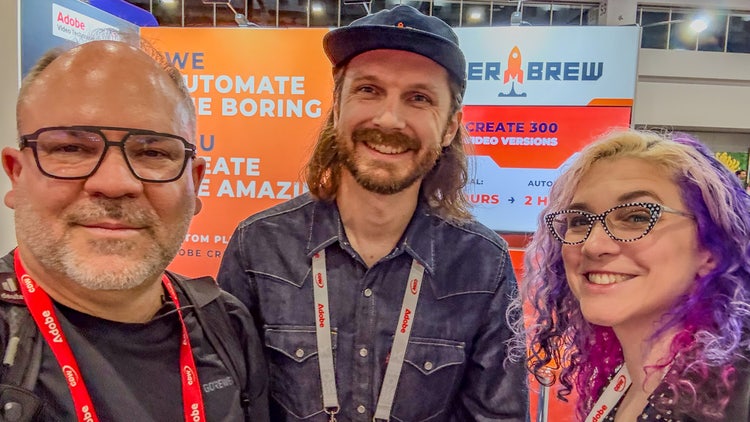
From left to right: Ingo Eichel, Justin Taylor, and Erin Finnegan
We spent Adobe MAX in Miami assisting in labs, meeting developers, and asking one question: How ready are you to move from CEP to UXP?
Erin Finnegan, Senior Community Manager, and I were on site at MAX in early November, and we came back with a clear picture of where developers stand.
Are developers ready to make the switch from CEP to UXP?
After our announcement in September, we wanted to ask the developers we met in Miami how ready they are to move from CEP to UXP — at the dinner, at their booths, and in one-on-one Braindates.
Here's what we heard:
Investment in UXP has been noticed and welcomed
Developers appreciated Adobe's increased investment in UXP. Many pointed out how far UXP has come, especially in Premiere, where UXP for third-party developers graduated from beta less than a year ago.
Most have already started migrating
The majority of the developers we spoke with have evaluated UXP, made a migration plan, or shipped UXP plugins. Justin Taylor, founder of Hyperbrew and developer of the Bolt platform, even offers a service that evaluates CEP plugins for their ability to seamlessly migrate to UXP. Hyperbrew sponsored at MAX for the third year in a row.
No new blockers
We didn't hear about any blockers we weren't already aware of. We collected detailed feedback, and we'll share it with the UXP engineering and product management teams.
It's important, but not yet urgent
Everyone understood the importance of the CEP to UXP migration and that CEP will eventually be phased out (see the timeline of key dates).
However, since there’s still time, developers have different plans for their migration. Some are waiting for future UXP updates and better developer tools, as pointed out by Suhail Idrees from FireCut. Others are waiting for their customers to migrate to newer versions of Premiere that support UXP, Daniel Perry from Brevidy told us. And product managers at Pantone, like many others, can’t wait for UXP plugins for Illustrator.
Adobe Exchange is becoming more attractive
Many developers were unaware that they could publish their plugins on Adobe Exchange and still monetize them on their own websites or on other marketplaces. As more developers discover that UXP plugin installation also works most seamlessly on our platform, and that plugins gain additional visibility and can be easily deployed by larger teams or enterprises, we expect to see more submissions on Adobe Exchange.
These findings come from the relatively few developers we met at MAX, who tend to be more closely engaged with UXP, so they’re not representative of our whole community, and we expect that some developers aren’t yet aware that CEP will be phased out.
How to follow UXP updates
UXP has been available since 2018, when we shipped it with Adobe XD, and we continue to improve it. Every new app that offers UXP to third-party developers also brings new requirements, so the platform keeps evolving.
The best way to track what changes is the UXP changelog, which now offers an RSS feed. To ask questions and share feedback, join our monthly office hours or post in the UXP forums.
Where we met developers
Community Experts Meetup
On Sunday, around 35 people from Adobe, the Community Experts, and the developer community met in a bar on Miami Beach. As in recent years, Kevin Stohlmeyer from Adobe invited everyone.
Community Experts teach a wide range of users, consult with companies of all sizes, write tutorials and books, and participate in our community forums. Some write their own scripts or plugins, while others evangelize solutions they know are game changers to their customers. At MAX, most of them work as teaching assistants, provide support at the Adobe booths in the Creative Park, or speak.
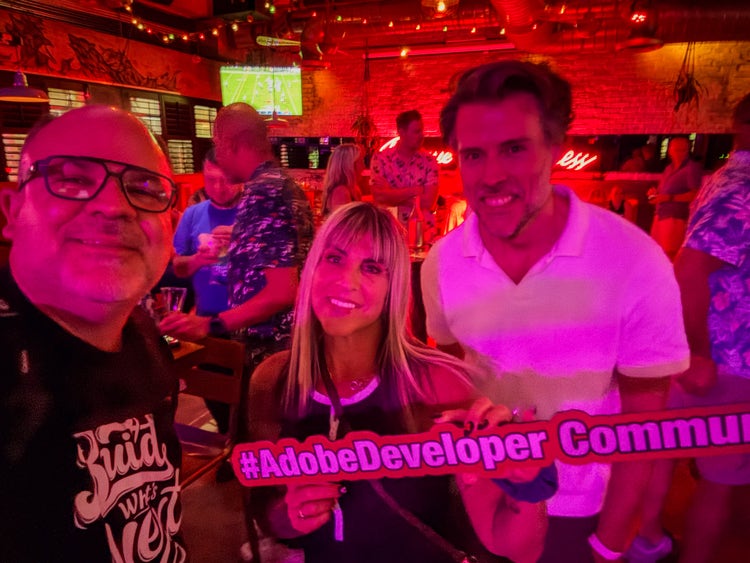
Amybeth Menendez (in the middle), a print production specialist and Community Expert for many years, started building scripts, add-ons, and plugins with vibe coding last year and recently became a Developer Champion. On the right: Jan Wischermann, the curated lab.
Assistant teaching in the labs
From Monday through Wednesday, Erin and I worked as teaching assistants in labs and sessions for InDesign, Photoshop, Illustrator, and Firefly Graph, including the preconference sessions.
This is always a great opportunity for us to meet with customers and users, see how they use our products, and learn what they love and hate about them. I often make new connections by starting conversations about plugins, feature gaps, or workflows.
This year, I was surprised to learn about many InDesign features that were new to me but have been in the product for many years. I connected with some great community experts and even met someone with ideas for building plugins for Adobe Bridge.
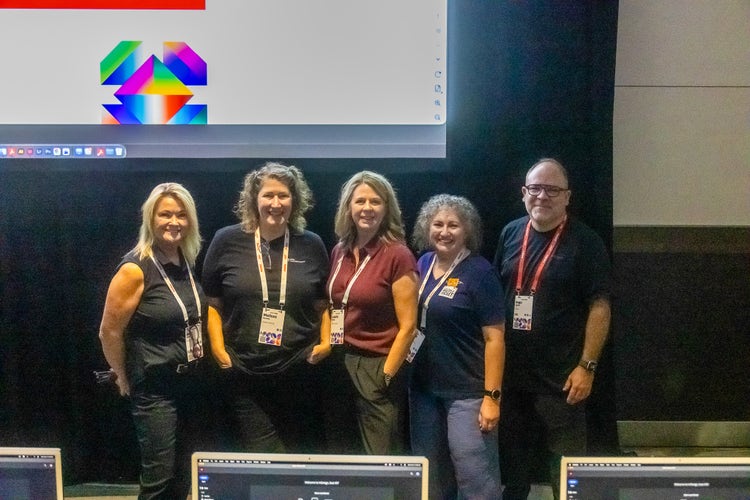
Laurie Ruhlin (middle) and her team of TAs for the InDesign Lab
Dinner and drinks with developers
On Monday evening, the day before the conference officially began, we invited the developers we knew who were in Miami to either attend MAX or sponsor their own booth.
More than 20 developers and Adobe colleagues from DVA (Adobe’s Digital Video and Audio products), Photoshop, and Partnerships showed up. We sat at tables set up by a local restaurant (thank you, Gaetano from Osteria da Fortunata - Miami) in the middle of a pedestrian street in Miami Beach. It was a great opportunity to make new connections and talk with like-minded developers.

Developers who joined us
Most of the developers who joined us also had their own booth as MAX sponsors. Sponsors told us they were happy with their presence at MAX and that they collected many qualified leads in the Creative Park.
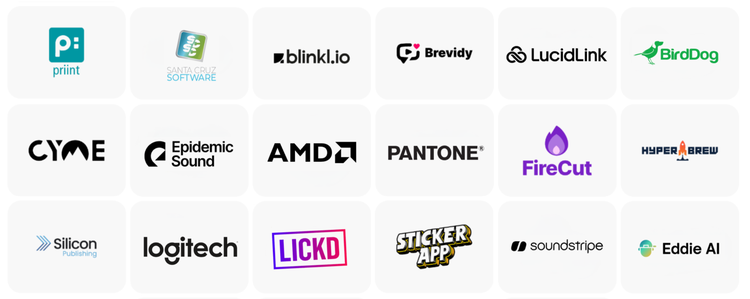
Selection of MAX sponsors with plugins, integrations, or technical relationships
Sponsors
- Firecut: AI video editing plugin for Premiere
- Autocut / blink.io: AI video editing plugin for Premiere / Workflow tools and extensions for Premiere and After Effects
- CYME.io: Media manager for photos and videos, wildlife AI for Lightroom libraries
- Epidemic Sound: Music tracks and sound effects in Premiere and After Effects
- Hyperbrew: Custom plugins for Adobe Creative Cloud / Bolt platform
- Logitech: Hardware for Creatives, connected to Creative Cloud
- Pantone: Creative Cloud plugins to connect with Pantone Connect
- Pluginplay / Brevidy: Plugins and templates for Premiere and After Effects / Animated captions
- Priint: Multichannel publishing and publishing automation solutions
- Silicon Publishing: Automating documents and images at scale
- Santa Cruz Software: Design automation, DAM connectors, and brand compliance
- Topaz Labs (now part of Adobe): The standard in image and video upscaling
- AMD: Cloud and AI infrastructure, embedded systems, AI PCs and gaming
- Soundstripe: Royalty-free music and SFX with plugins for Premiere
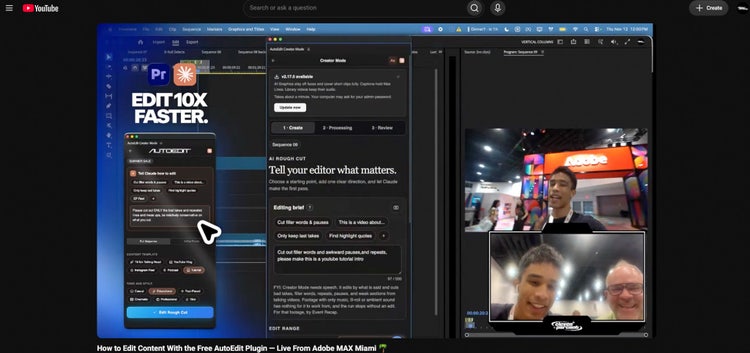
This is a screenshot from Devin Huynh's livestream about Autoedit at MAX with Ingo as a guest.
Non-sponsors
- Eleven Percent: Presets and plugins (including Autoedit) for Premiere and After Effects (I joined a livestream on YouTube. Thank you, Devin Huynh, for having me).
- Astute Graphics: Illustrator plugins and platform
- Fluidfit: AI-powered visual automation platform
- Jakeinmotion: Vector-editing suite for After Effects, community for motion Designers
- Ian Sayers: Training design consultancy and Community Expert
- Amybeth Menendez: Publishing professional developing add-ons and plugins
- Jan Wischermann: The curated lab, platform for Pro Retoucher working on scripts and plugins, MAX speaker
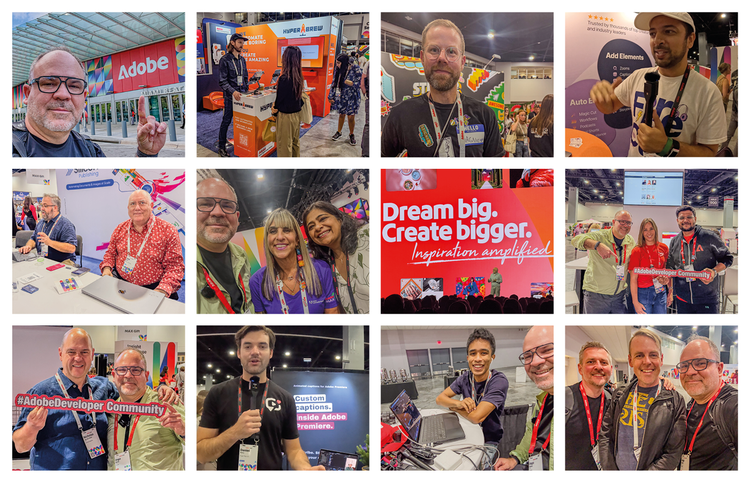
See it for yourself
We recorded video interviews with developers. In interviews of a few minutes and shorter highlights, they introduce their tools and plugins and share their feedback on UXP. You can watch some of them in this playlist (still adding).
Join the community
Let’s talk UXP! Join our next meetup (details on the Developers Live page), share your experience in the UXP forums, or tell us what’s getting in the way of your migration.
Erin and I would love to hear from you.